Step By Step Trading System
- Provides a daily roadmap for Crude Oil
- Highlights high-probability reaction zones
- Removes the need to manually draw lines
- Patterns repeat daily
- Strong support and resistance levels
- Trade the price action
Leran my Step by Step Guide to Trading the Futures
The Daily Futures Blueprint will teach you how to trade the markets succesfully each day. How to read the market, know where the price acion is going before it gets there. Target Key levels each day. How these patternse repeat each day, a very simple approach to trading the markets that works each and every day.
🔒 Secure Payment 💻 Instant Download 🔒 NinjaTrader 8 🔁 Instant Licensing⚡All Sales Final
Insert new text reference points which are institutional price levels of market maket activity. These levels often act as intraday decision points.
Key Levels
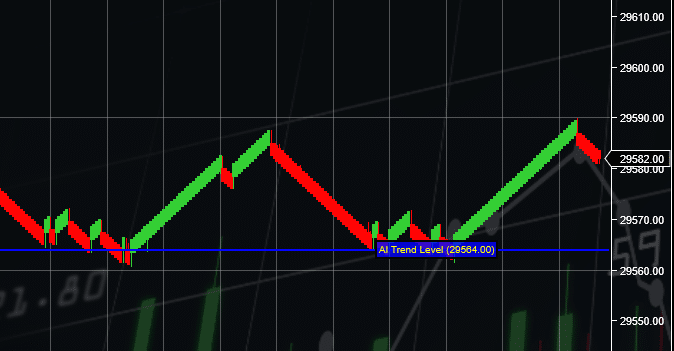
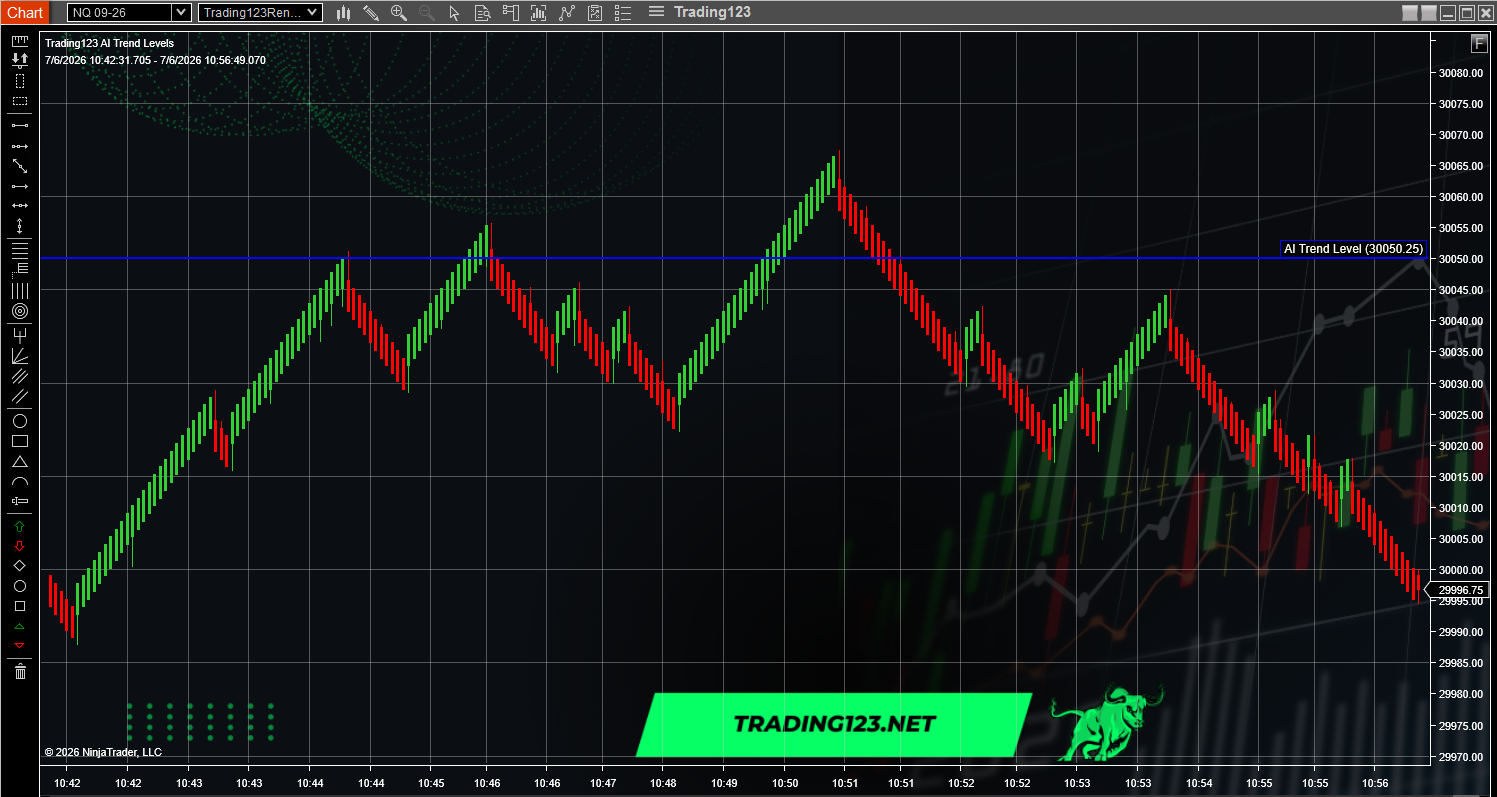
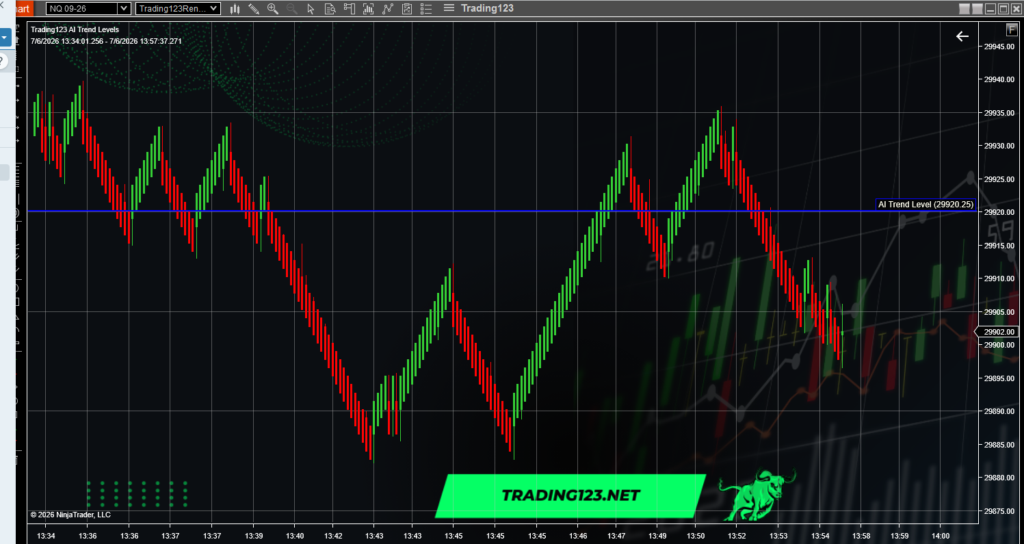
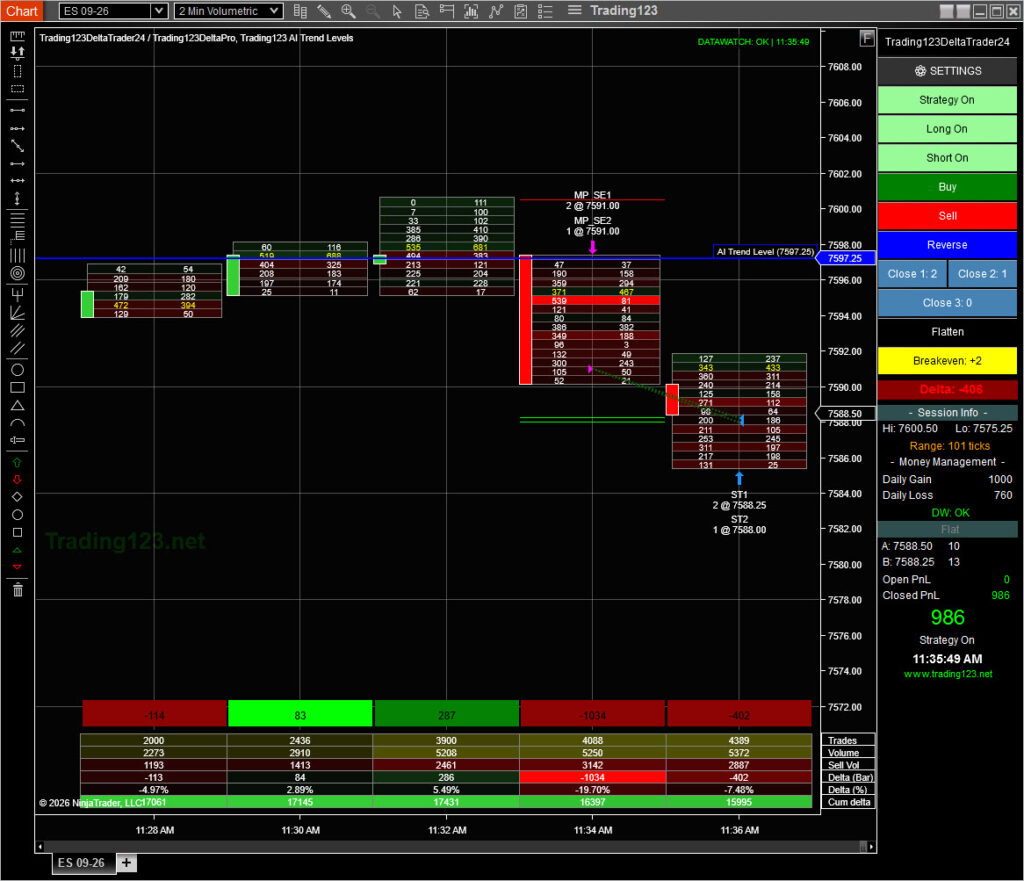
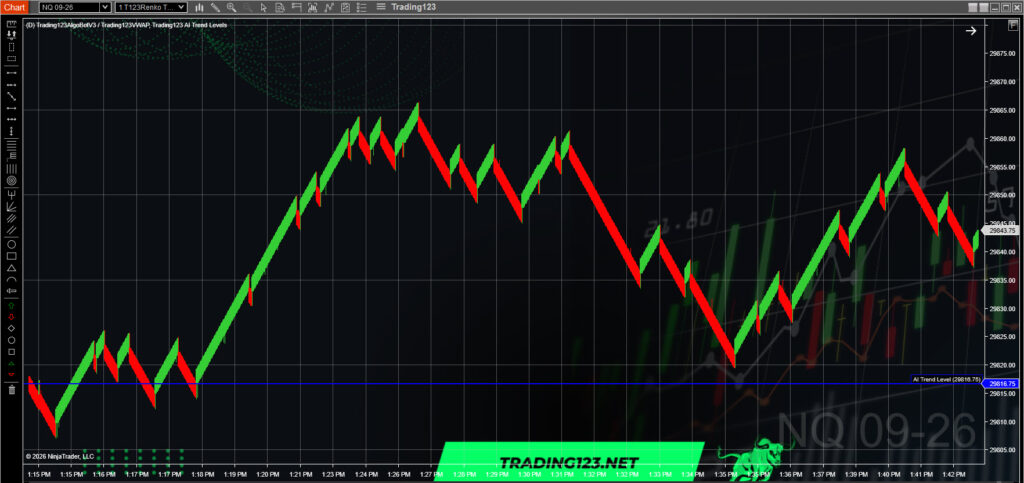
The indicator uses AI to identify key price points that often drive the day’s action.
These levels frequently act as reversal zones, breakout triggers, and institutional reaction points.
These are entry zones and structure for the session.
Price holding above any line? or breaking below support helps determine the daily bullish/bearish bias.
Built specifically for futures trading, this indicator plots key support and resistance levels so you can trade the session with structure, clarity, and confidence.
These levels represent areas where significant buying and selling activity occurs, that use AI technology to monitor the levels.
Helps determine whether the session is leaning bullish or bearish by showing how price reacts around key levels.
Use plotted levels as objective price targets, reaction zones, and decision points for your trade plan.
Highlights likely reversal and breakout zones where institutional order flow often clusters around structure.
Combines perfectly with VWAP, Fibonacci levels, and EMAs to confirm trend strength or exhaustion.
Gives traders a structured framework for intraday CL trading — ideal for both manual trading and automation.
If you have any questions about installation, settings, or using the Crude Oil Levels indicator on NinjaTrader 8, our support team is ready to help. Tap the chat icon in the corner of this page for instant assistance — we’ll walk you through setup and make sure everything works smoothly.
Tap the chat icon on this page to connect with our team. We respond fast and help you get back to trading.
Prefer email? Reach out any time and we’ll assist with installation, settings, or troubleshooting.
info@trading123.netNeed help quickly? Call us during market hours for real guidance from traders who understand NinjaTrader.
Call Support